

A new company's IT usually gets built by accident. Someone creates an email account, someone else buys a laptop, a file-sharing tool appears, and a year later you have a system that nobody designed and everybody depends on.
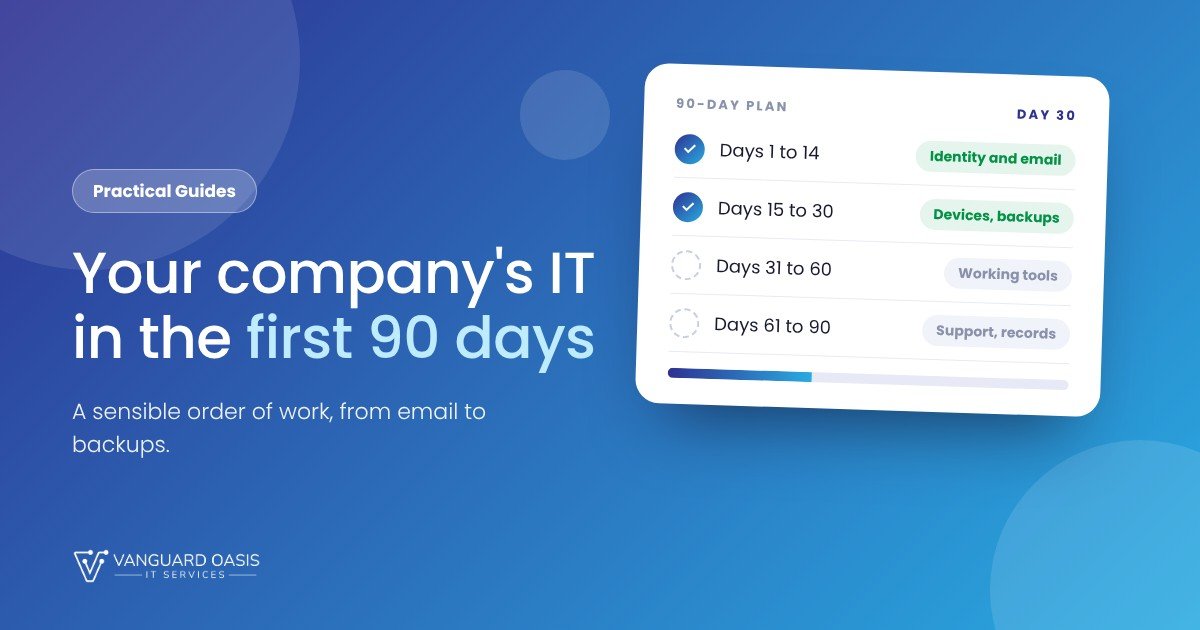
Setting it up deliberately takes little more effort, and it saves a great deal of untangling later. Here is an order of work for the first 90 days.
The 90-day plan
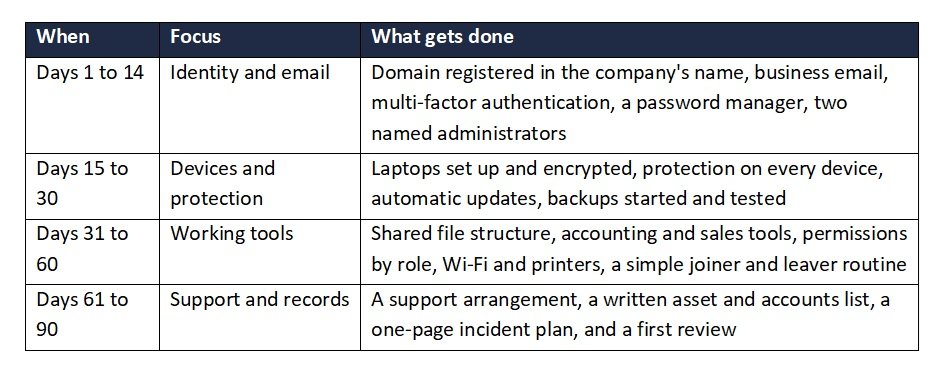
Days 1 to 14: get the foundations right
Start with your domain, because everything else hangs on it. Register it in the company's name, not an individual's, and keep the login somewhere safe. Then set up business email and switch on multi-factor authentication from day one. It is much easier to start with it than to add it later.
Create two administrator accounts held by named people, so the business is never locked out if one person is away. Add a password manager now, before bad habits form.
Days 15 to 30: devices and backups
Set up each laptop the same way: disk encryption on, automatic updates on, protection software installed, and no one running as an administrator day to day. Then start your backups and test a restore, even if you have no data yet. The first test is always the one that finds the mistake.
Days 31 to 60: the tools you work in
Decide how files are organised before the first hundred appear. A simple folder structure with permissions by role is better than a free-for-all. This is also the moment to choose your accounting, sales and project tools, with an eye on whether they connect to each other, because swapping them later costs real time.
Write down a joiner and leaver routine. It can be half a page: accounts to create, devices to hand over, and what to switch off when someone leaves.
Days 61 to 90: support and records
By now you know what you have. Decide who looks after it. That might be a capable member of staff, a part-time contractor or a managed provider, but it should be a decision, not a default. Write down your accounts, devices and renewal dates in one place. Draft a one-page plan for what to do if something goes wrong. Then review: what is working, what is annoying, what is missing.
Mistakes worth avoiding
- Registering the domain or key accounts under a personal email address.
- Buying tools one at a time without asking whether they connect.
- Leaving backups until the first scare.
- Sharing one login between several people.
- Never writing anything down.
If you would like help, we can set up the website, domain and email in your name, and our IT Operations and Security service can take over the monitoring, patching and help desk once the basics are in place.
Setting up a new company?
Book a free call and we will give you a rough estimate and an honest view on what fits your business. We reply within one working day.


0 Comments